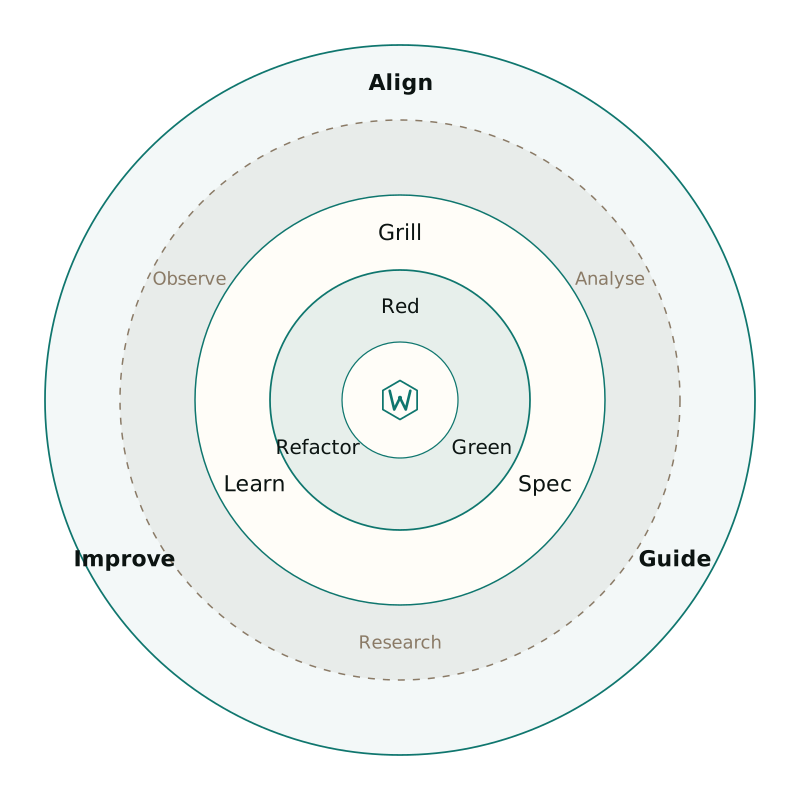
Eval-Driven Development

Agent Lifecycle Kit

Test the tools your agents call

Wrong tool, made-up args, endless retries. Those failures do not look like stack traces. EDD is a red-green-refactor loop for prompts, MCP schemas, and routing, with a CI gate on routing accuracy.

  • CI passing
  • EDD harness
  • Docs at eval-driven.dev
  • Unlicense
  • Latest GitHub release

What do I use this for today?

Pick the job in front of you. Kit is a product you run, not a docs pile you browse.

Wrong tool or made-up args

Capture the miss as a JSONL case, mock the tool, and assert routing until the agent stops guessing.

  1. Write the case for the prompt that failed (expected tool + args).
  2. Run kit eval run --suite evals/edd/demo.yaml --model scripted
  3. Read the report, tighten the schema or prompt, re-run until green.

Start here:kit eval run --suite evals/edd/demo.yaml --model scripted

Before and after one miss

Same user prompt. Without a case file you get a confident guess. With EDD you get a failing assert, a report, and a merge gate.

“What is the database for the payment system?”

  • Before: eyeball the chat

    Agent
    “Typically payment systems use PostgreSQL…”
    Tool call
    None
    You ship
    A hallucination that looks polite
    How you notice
    A human scrolls the transcript, or a customer does
  • After: demo eval suite

    Case
    demo-edge expects read_architecture_yaml + payment-api
    Red
    FAIL tool_selection: no tool, conversational reply
    Green
    Tighten prompt/schema; same case passes
    Gate
    kit eval ci --suite evals/edd/demo.yaml --threshold-routing 95

Demo: a miss becomes a failing eval

Walkthrough of demo-edge from the demo suite. Case → red → report → green → CI gate. Scripted driver; no API key.

1. Case

JSONL case that should call the tool. User asks for the payment database. Expect `read_architecture_yaml` with `payment-api`, not a chatty guess.

{
  "id": "demo-edge",
  "prompt": "What is the database for the payment system?",
  "expect": {
    "tool": "read_architecture_yaml",
    "arguments_contains": { "componentId": "payment-api" }
  }
}

Where to go next